Free Setup & Controls Guide
Green AI 27
Setup Guide
Install the script, learn the OLED menu, choose one shooting system, and fix the most common setup problems. This guide is free.
This complete setup guide is free. The Green AI 27 script is a separate $45 purchase. The $15 Values Pack is an optional separate add-on—not required to use the free guide or main script.
View Green AI 27 product details and buyer download →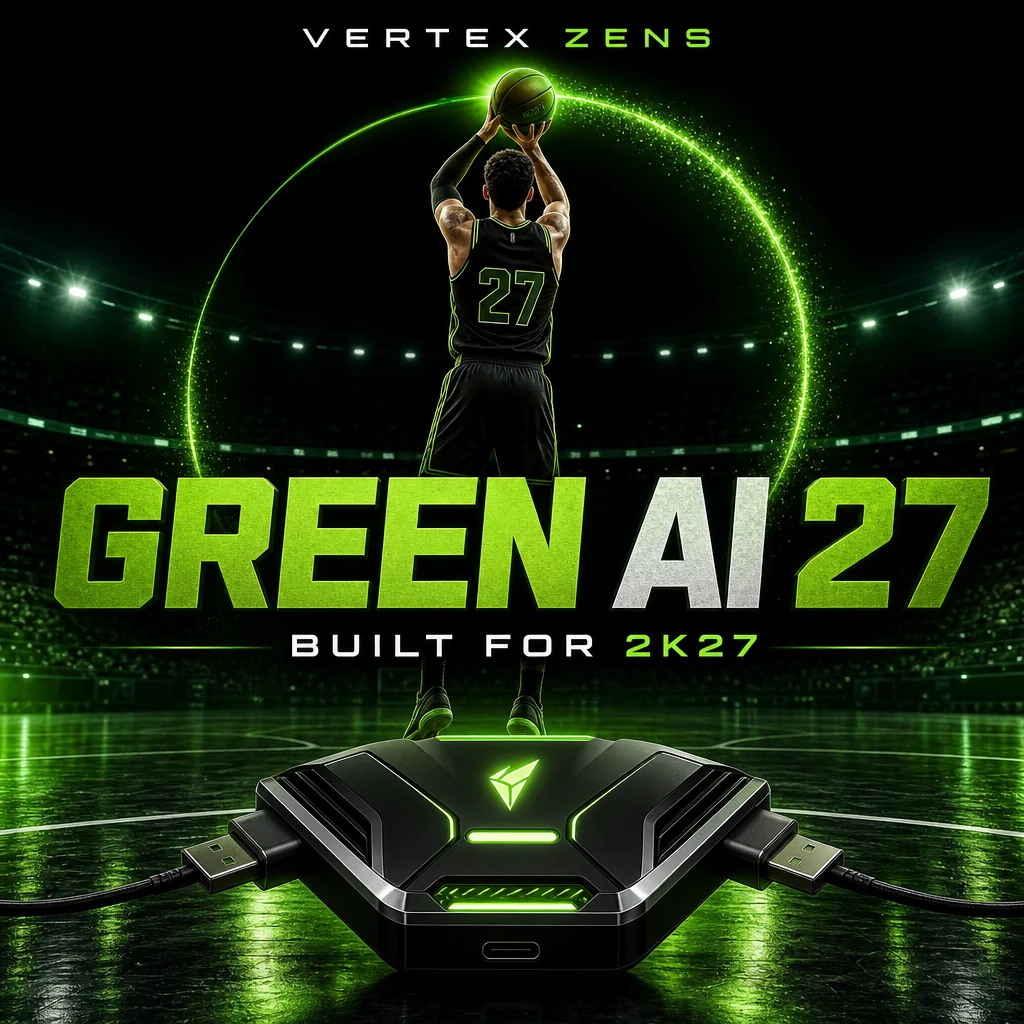
1. Install Green AI 27
- Install and open Zen Studio on your computer.
- Connect the Cronus Zen to the computer using the programming USB port.
- Drag the Green AI 27 GPC file into an open memory slot.
- Click the program button and wait for Zen Studio to finish.
- Disconnect the programming cable, connect the Zen to your console or PC, then connect your controller to the Zen’s front port.
2. Core controls
A dim red Zen light means the script is disarmed. Press L2 + Share to arm it. Settings save automatically after you change them.
3. Choose one shooting system
Start with one primary shooting method. Running several at the same time can create conflicting inputs and inconsistent releases.
Auto Green
Press R3 once. The script holds the configured shot button for your timing value, then releases it. If shots release early, increase timing; if they release late, decrease timing.
No Dip Shots
Use L2 + Square for the separate no-dip trigger. It does not change the normal Auto Green trigger.
Tap Shot
Uses the stick click opposite your configured shot button and the Tap Speed value. Enabling Tap Shot disables Insta Shot.
Insta Shot
Turn Auto Green and Tap Shot off. Hold the opposite stick click while positioning, then release it to trigger the shot.
Right-stick shooting
Turn Auto Green off. Flick and briefly hold the right stick up for a normal motion or down for the reverse motion, then release.
4. Movement and dribble controls
Quick Stop
Auto QS activates while pulling up from a sprint. L2 QS activates only while you hold L2 and gives you more manual control.
Infinite Stamina
Reduces how strongly movement-stick input is sent to the game. This can slow stamina drain, but may also slightly reduce top movement speed.
Directional dribble slots
Each D-pad direction can be assigned independently to BTB Spam, Curry, DBook, B Break, Escape, Momentum, or Off. Press the assigned direction once to run the combo. Leave directions set to Off if you need their normal game function.
5. Defense, finishing, and triggers
Defense Assist
When enabled, hold L2 + R1 while defending and move with the left stick. Release either button to return to manual control.
Meter Dunk
Choose L1 or Circle as the dunk button, drive at the basket, and hold the selected button through the animation. The script handles the meter input; it does not choose or guarantee the dunk.
Spot Take and Instant Triggers
Spot Take repeatedly presses Cross while held. Instant Triggers make L2 and R2 register as fully pressed as soon as they are touched, removing partial-pressure control.
6. Free starter tuning
Start simple: enable your chosen shooting system, Release Vibrator, and Instant Triggers. Leave the remaining mods off until the base shot feels consistent.
- Auto Green Timing: 1–1000 ms range; 610 ms is the general baseline.
- Tap Speed: 100–1000 ms range; 500 ms is the general baseline.
- Insta Speed: 100–1000 ms range; 700 ms is the general baseline.
- Stability: 10–100 range; 34 is the general baseline and only affects Insta Shot.
- Release vibration: 200–1000 ms range; 450 ms is the general baseline.
Adjust one value at a time in roughly 10–15 ms steps. Test 10–15 shots before changing it again. These are starting points, not guaranteed timings.
7. Common fixes
- Nothing responds: arm the script with L2 + Share and check the controller’s front-port connection.
- Menu will not open: hold L2 first, then press Options.
- Shots release early: increase timing by roughly 10–15 ms.
- Shots release late: decrease timing by roughly 10–15 ms.
- D-pad stopped working normally: set that direction’s dribble slot to Off.
- Player feels slow: turn Infinite Stamina off.
- Unexpected instability: turn Overclock off temporarily while troubleshooting.
Optional · separate purchase · not included with the $45 script
Green AI 27 Premium Values Pack
The free guide above includes the controls, baseline values, installation steps, and tuning method. This add-on is only for players who want the detailed height-by-height timing table and premium recommended settings. It is not required to install or use Green AI 27.
$15 one-time add-on
Get the separate Values Pack →